
Bring your drawings.
Upload a PDF, PNG, JPG or SVG, up to 50 MB. Use a floor plan or a multipage drawing package with elevations, sections and other supported drawing types.
AeroFrohne / 3D Rendering
Bring your project into view with AeroFrohne and Renditect. Turn floor plans and architectural drawings into 4K Ai generated perspectives with Renditect, or work with AeroFrohne’s team on a custom rendering project.
Review your drawing first. See the credit total before you render.
PDF · PNG · JPG · SVG
Review the source. Add your brief.
Choose views. Review credit costs.
Meet Renditect
Explore how rooms connect, how materials feel, and how an exterior could take shape. Renditect creates architectural images from the drawings you bring, with a review step that keeps your original source close at hand.
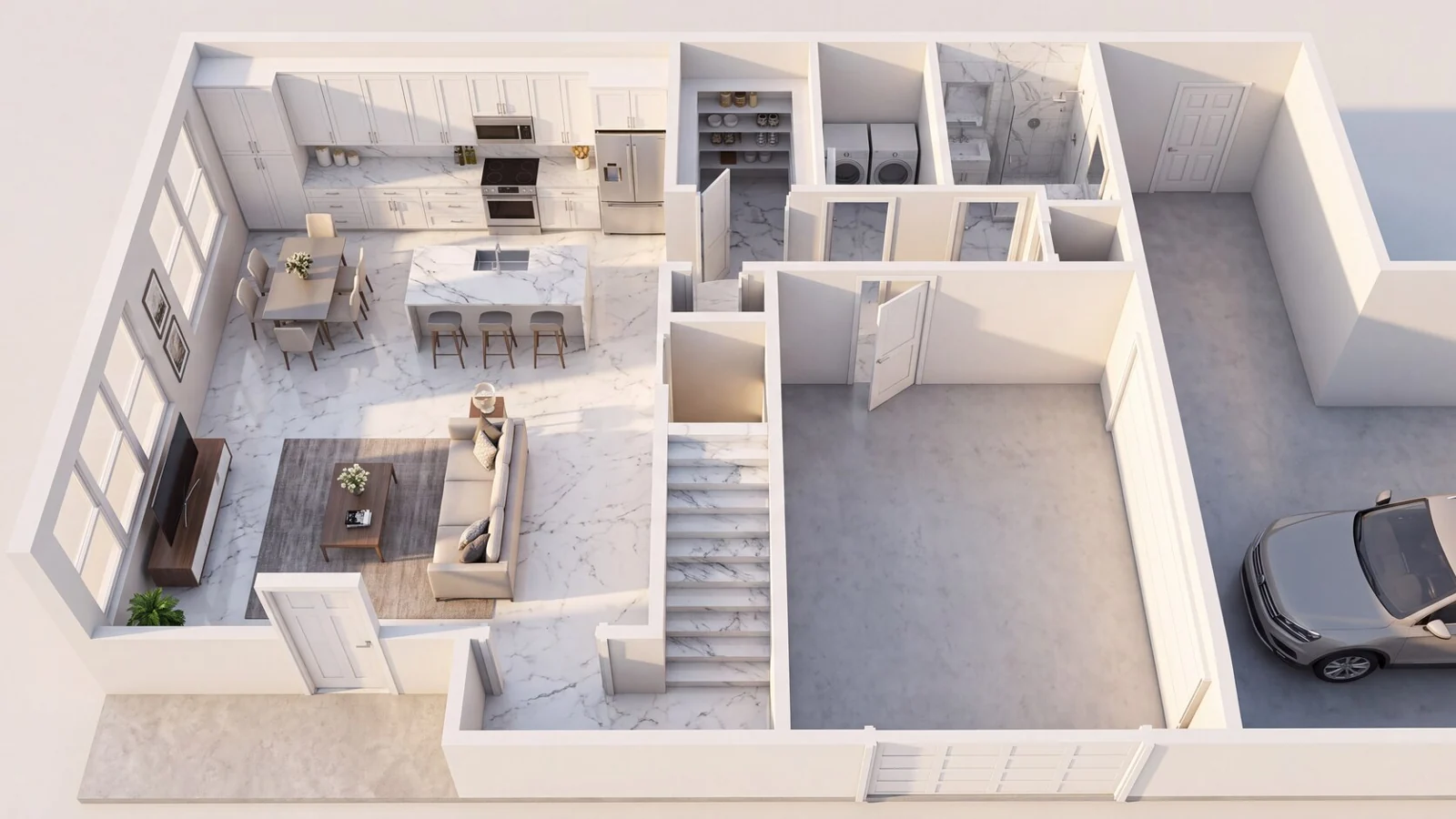
An overhead view helps communicate room relationships and furnishing ideas. Overhead example created with Renditect.
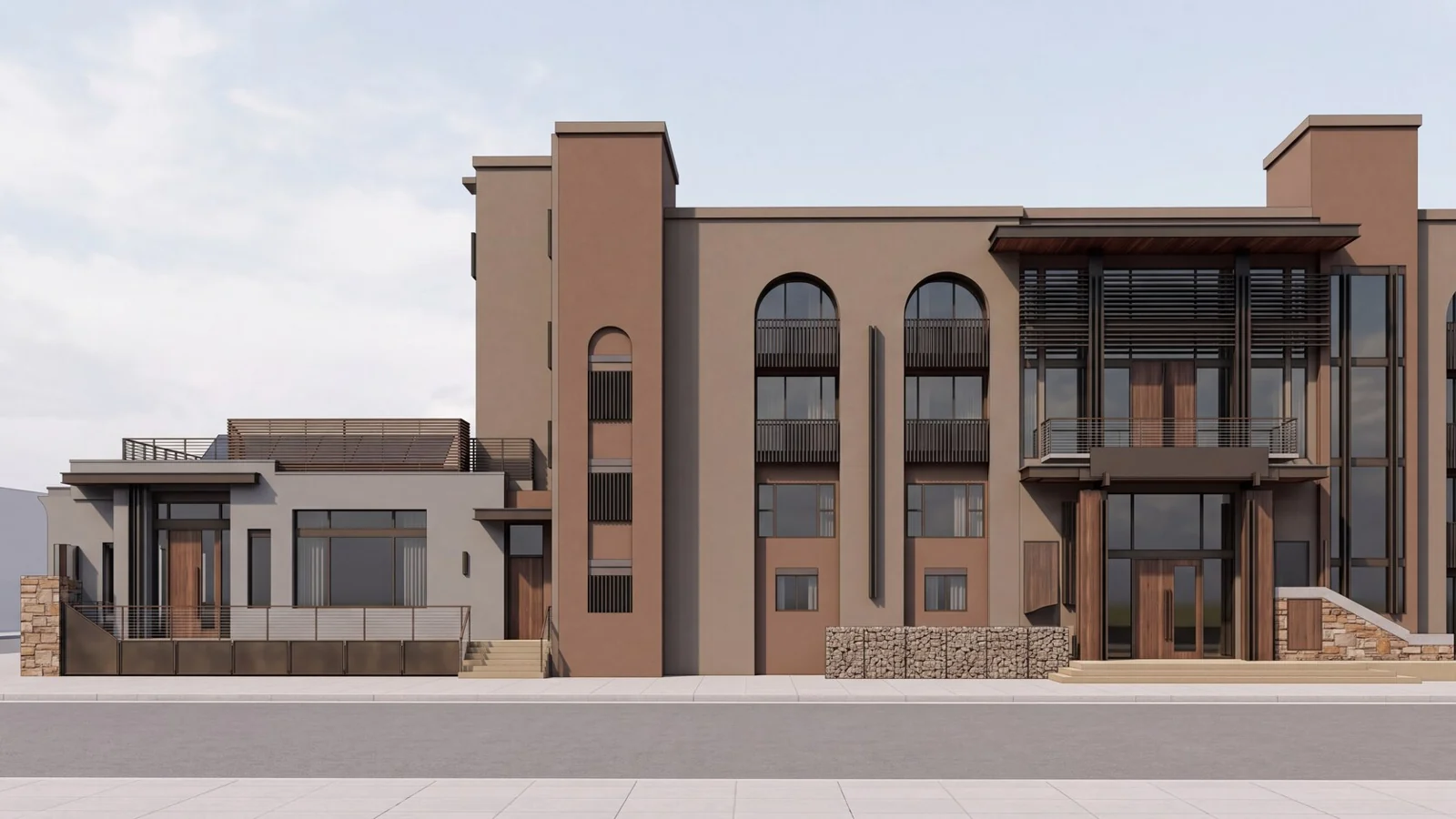
Explore materials, light and atmosphere with an elevation based perspective. Exterior example created with Renditect.
Bring the source. Set the direction. Choose the views that help tell your project’s story.
Upload a PDF, PNG, JPG or SVG, up to 50 MB. Use a floor plan or a multipage drawing package with elevations, sections and other supported drawing types.
Compare detected rooms, drawing types and printed dimensions with your original. Correct the details, then add a brief for materials, lighting and atmosphere.
Select the available views for your drawings and review the full credit total. Generate native 4K architectural images at 2 credits per image.
Choose your approach
For hands-on teams exploring design ideas and creating architectural perspectives from their own drawings.
For projects that need a custom scope, coordinated revisions, multiple deliverables or animation.
Architectural, industrial and site visualization projects from AeroFrohne. Select an image to explore it at full size.
27 renderings
Built around your project
For a home renovation, commercial development or industrial project, start with the drawings for the actual property: the site layout, building elevations, room dimensions and material references. Use Renditect to explore individual views, or ask AeroFrohne to coordinate a custom rendering scope and review process.
Explore AeroFrohne’s rendering portfolioExplore interior atmosphere and exterior material directions alongside the original drawings.
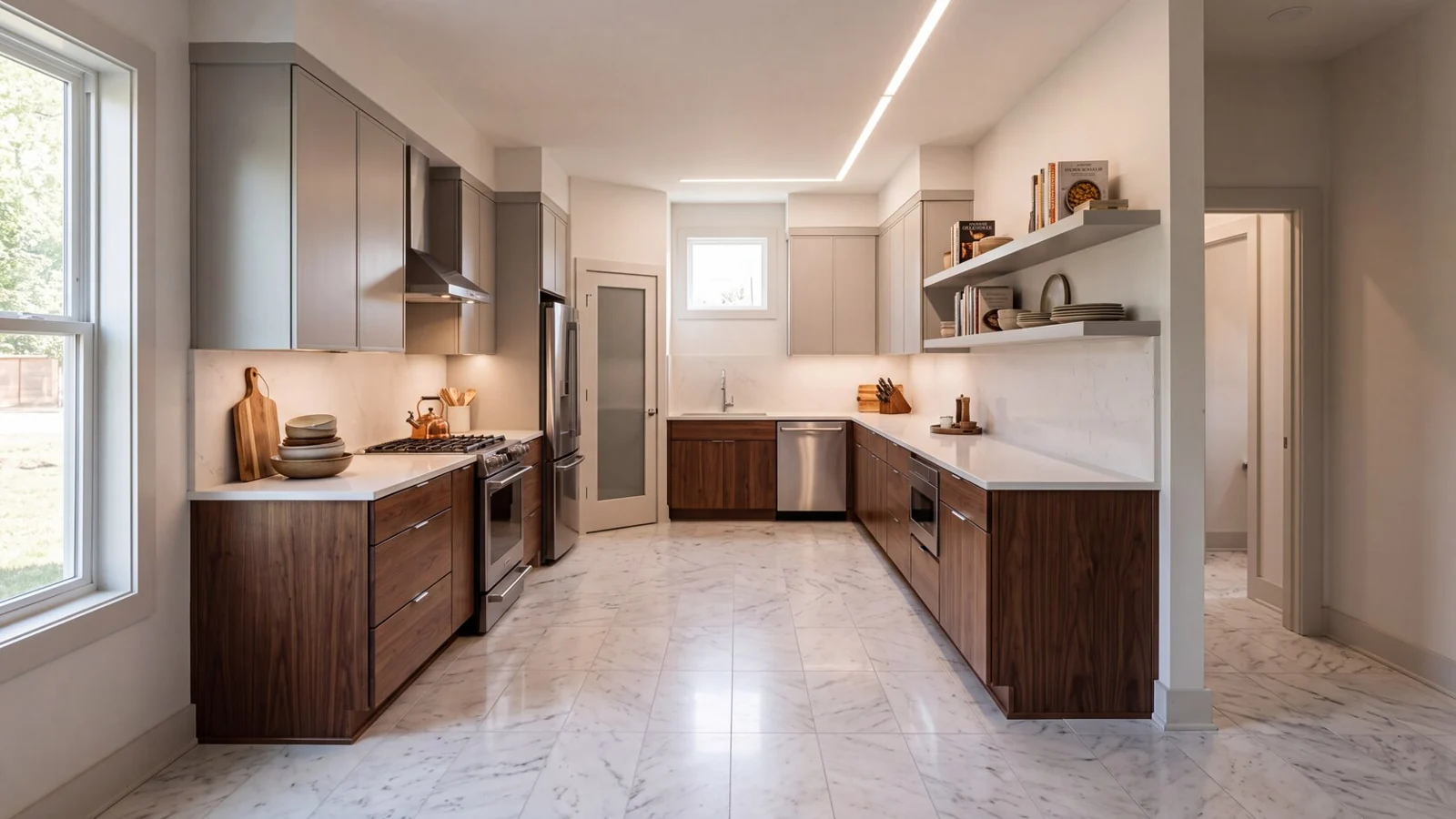
Use kitchen, living area and exterior perspectives to discuss finishes and design options.
Bring visual concepts to early project discussions, then scope custom marketing deliverables with the team.
Explain a proposed space with clearly labeled concept imagery and reviewed project visuals.
A few things to know
Know what to upload, what you’ll receive, and when a conversation with our team is the right next step.
CAD or Revit files are preferred for a custom project, but PDFs, elevations, site plans, material schedules and photo references also help. If you only have sketches, send them with your requested views so AeroFrohne can review the scope.
Yes. AeroFrohne scopes exterior and interior renders with lighting, materials and camera angles suited to your project, presentation or marketing brief.
AeroFrohne coordinates review checkpoints for materials, lighting, composition and final output. The scope, deliverables and revision process are agreed for your project before production.
Custom rendering projects can include high resolution still images for web, proposals and presentations, with additional angles, lighting variants or animation as agreed in the scope. Renditect generates native 4K architectural images from your drawings.
Common uses include design discussions, proposed renovations, industrial facilities, office parks, site redevelopments and property marketing. Share the intended use so AeroFrohne can recommend an appropriate rendering scope.
Renditect is software for creating Ai architectural images from floor plans and other drawings. Upload your source, review detected details, add a design brief, and choose the perspectives you want to render.
Renditect accepts PDF, PNG, JPG and SVG files up to 50 MB per upload. You can upload a multipage PDF design package and choose to read every page. Supported drawing types include floor plans, elevations, sections, roof plans, site plans and reflected ceiling plans.
Detecting room names and printed dimensions is free. Generating an image uses purchased credits: each native 4K image costs 2 credits. Review the credit total before rendering and check the current credit packs in Renditect.
Renditect creates Ai generated architectural images, not dimensionally certified 3D models or construction documents. Review every image against the original drawings. For CAD, BIM or a custom visualization scope, contact AeroFrohne.
Yes. Send AeroFrohne your available drawings, reference images, requested views and project timeline. The team can review the materials and scope interior or exterior renders, floor plan visuals, or animation as appropriate for your project.
Yes. AeroFrohne supports rendering projects worldwide through an online drawing review workflow. Share your project location, requested views and timeline so the team can scope the work. Renditect is web based and available online globally.
Browse AeroFrohne's published service pages by country and region, or open a representative location below. A listed page does not imply a staffed local office; project availability, travel, licensing, and deliverables are confirmed for each scope.
Start with the plans you have
Open Renditect to explore your drawings, or tell AeroFrohne what you need and let the team review your project.