
Scan to BIM
LiDAR to Revit: Existing Conditions to BIM
AeroFrohne provides precision Scan to BIM services, transforming real world environments into accurate digital models.
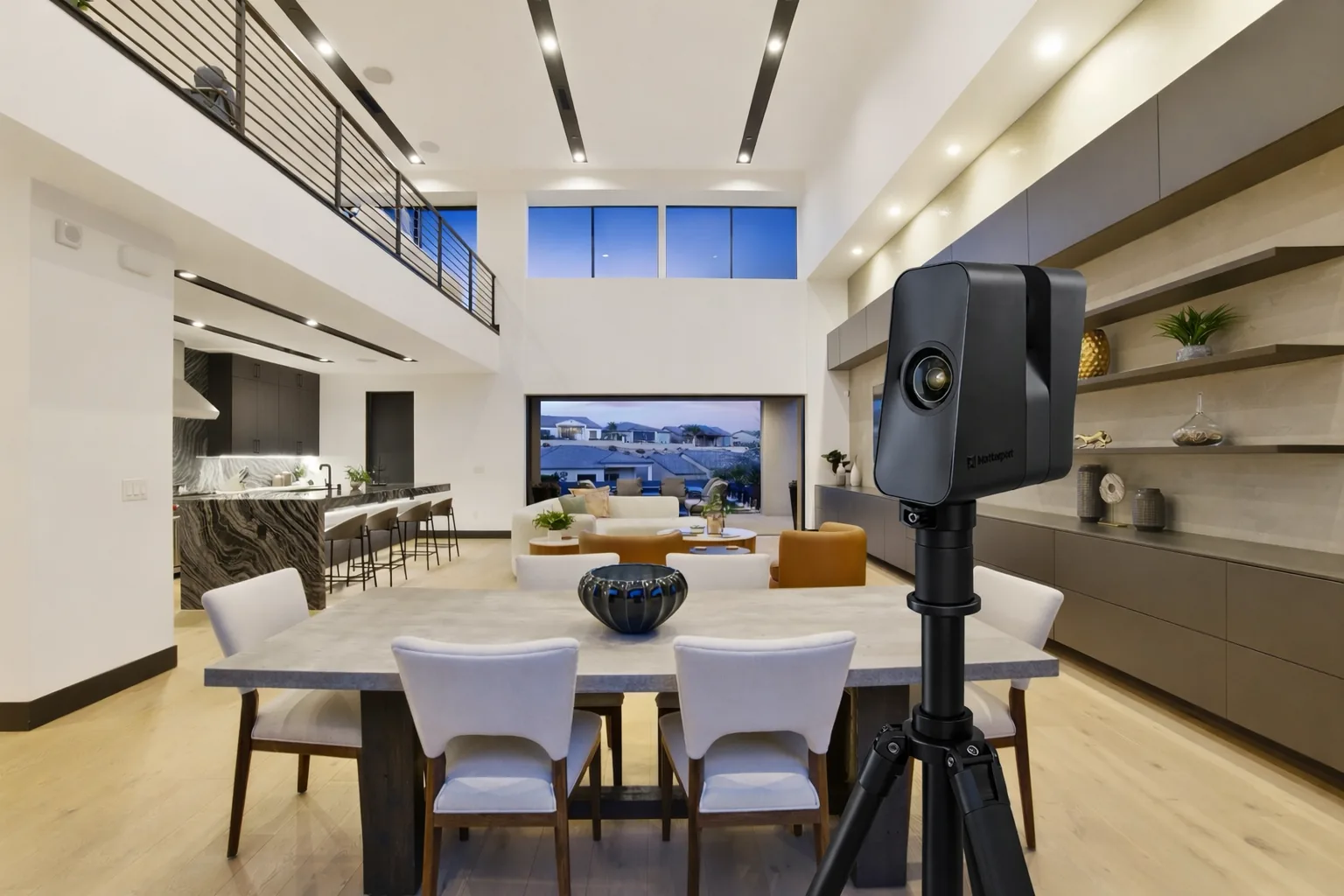
We use the Matterport Pro3 LiDAR camera to capture high density point clouds, then convert that field data into Revit, CAD, and point cloud deliverables for retrofit, facility, and preservation teams.
If you need dimensions and floor areas rather than a full Revit or IFC model, see Property Measurement Services.
Need 2D DWG plans, reflected ceiling plans, elevations, or sections instead of a full model? Compare Scan to CAD. For exterior site context, orthomosaics, contours, and DSM/DTM surfaces, see Drone Services.
Browse the Scan to BIM location directory for every published service-area page, ordered from higher-population cities to smaller and unresolved localities.
Planning existing-condition work in Greater Houston? See Scan to BIM services in Houston, Texas for local scope guidance, Revit and IFC models, registered E57 point clouds, and DWG as-builts.
Pro3 LiDAR Specs for Scan to BIM Projects
The Matterport Pro3 captures high fidelity depth data indoors and outdoors across modern towers, sprawling campuses, and historic structures. Required tolerances, control, and acceptance criteria are confirmed separately for each scope; a scanner specification alone is not a survey-grade guarantee.
Explore the RVT Model in 3D
Scan to BIM Deliverables
3D Scan to BIM
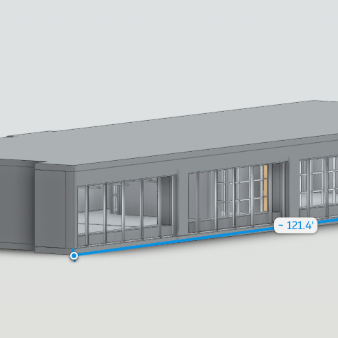
3D Scan to CAD
Standard Scan to BIM Deliverables
Revit Models (.RVT)
Intelligent 3D models of existing conditions. We model architecture, structure, and exposed MEP to your specified Revit version.
E57 Point Cloud
High density, registered point cloud files usable in Revit, Navisworks, Recap, and other BIM software for your own modeling teams.
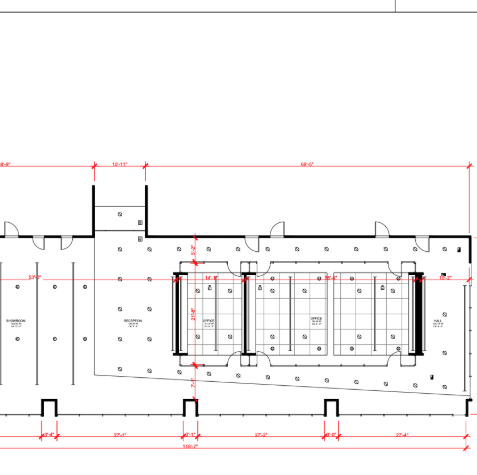
2D CAD (.DWG)
Floor plans, reflected ceiling plans (RCP), and elevations extracted directly from the 3D data for traditional CAD workflows.
IFC Exports
Industry Foundation Classes (IFC) exports for OpenBIM compatibility, ensuring data works across ArchiCAD, Vectorworks, and more.
LOD Specification
We tailor the geometry to your needs: LOD 200 (generic massing) to LOD 300 (architectural and structural precision).
MatterPak™ Bundle
Includes .XYZ point cloud, .OBJ mesh file, and floor plan images for quick visualization alongside the heavy BIM data.
Who needs Scan to BIM?
Tech & Corporate Real Estate
Essential for office retrofits in regional markets. Capture accurate floor plans and MEP for campus renovations and space planning.
- Campus documentation
- Office fit-outs
- Space utilization analysis
High Rise Residential
Verify as-built conditions for new condo towers in major metros. Catch deviations early to avoid costly rework.
- Construction verification
- Concrete flatness reports
- Virtual Design & Construction
Hospitality & Historic Venues
Renovating a legacy building? Capture intricate details of historic buildings without physical contact for accurate preservation and renovation planning.
- Facade documentation
- Adaptive reuse planning
- Venue marketing assets
General Contractors
Validate site conditions before subcontractors arrive. Use point clouds for clash detection in complex mixed-use developments.
- Pre-construction planning
- Clash detection (Navisworks)
- Sub-contractor coordination
The Workflow: Local Capture to Global Standard
1) Deploy Local Tech
We dispatch our local contractor to your site. Fast mobilization for your market and surrounding regions.
2) Process (Register)
Scans are registered into a unified point cloud (.E57). We clean noise and verify alignment to ensure structural accuracy.
3) Model (BIM)
Our BIM technicians import the cloud into Revit and trace geometry (walls, floors, pipes, beams) to the agreed LOD.
4) QC & Deliver
We overlay the model against the point cloud to verify accuracy, then deliver the native files to you.
Scan to BIM FAQ
Do you have technicians near my project site?
Yes. Our headquarters is in Corpus Christi, and we coordinate trained field teams to cover Texas and projects across the United States with fast scheduling.
Can you scan active tech campuses or offices?
Yes. We can schedule scans during off hours or weekends to minimize disruption to your workforce, capturing precise as-builts for office retrofits or expansions.
What Level of Development (LOD) do you support?
We support LOD 200 (massing) and LOD 300 (architectural/structural precision) depending on your project requirements.
How long does it take to get the Revit model?
Scanning takes 1-2 days for typical sites. Modeling time depends on size and LOD complexity, usually ranging from 5 to 10 business days after scanning is complete.
How do I request a quote?
Visit our contact page. Please let us know your project location, the approximate square footage, and the desired deliverables (Revit vs. CAD).
Explore Scan to BIM by location
Browse AeroFrohne's published service pages by country and region, or open a representative location below. A listed page does not imply a staffed local office; project availability, travel, licensing, and deliverables are confirmed for each scope.
- Browse all locations2,241 published pages across 10 countries
- Austin Texas Scan to BIMView location details
- Houston Texas Scan to BIMView location details
- Dallas Texas Scan to BIMView location details
- Los Angeles California Scan to BIMView location details
- Miami Florida Scan to BIMView location details
- Chicago Illinois Scan to BIMView location details
- Seattle Washington Scan to BIMView location details
- Denver Colorado Scan to BIMView location details